User & Access Management
Manage enterprise users from the admin UI: search, roles, project, admin-created accounts with passkey enrolment, session and PAT revocation, the allow_registration switch, and deprovisioning.
On this page
TL;DR: Every user-lifecycle operation — search, create, role, project and status changes, disable or delete, session and personal-access-token revocation — lives in the admin UI at /admin/access/users. Self-registration is closed by default. The way in is an admin creating the account, then the person registering a passkey at /admin/register with the same email. Roles are admin or user, and every non-admin belongs to one project, Commerce or Core, which an admin sets on the user's page.
Managing users from the admin UI
Open /admin/access/users as an admin. From this one page you can:
- Search and list users by name or email, with pagination.
- Create a user with a name and email (see below).
- Edit roles, project and status — promote or demote roles (including
admin), move a user between Commerce and Core, activate or suspend an account. - Disable or delete an account. Disabling keeps history; deleting removes the account.
- Revoke sessions — force sign-out everywhere with one action.
- Revoke personal access tokens — every PAT the user holds can be revoked from their detail page, or from
/admin/devices/patswhich lists tokens across the instance. - See last activity — each user row shows last-active time, so stale accounts are visible at a glance.
No CLI or database access is required for any of these operations. The CLI equivalent for scripting exists under systemprompt admin users (see systemprompt admin users --help).
Bringing a user in
- An admin creates the user from
/admin/access/userswith their name and work email, and sets the role and project on the detail page. - The person opens
/admin/registerand registers with that same email. Registration issues a one-shot setup token and takes them to/admin/add-passkeyto enrol a passkey. - They sign in at
/admin/loginwith the passkey and land in the account with the role and project the admin assigned.
The account exists from step 1, but cannot sign in until a passkey is enrolled. An admin can issue a fresh enrolment token for an existing account with systemprompt admin users webauthn generate-setup-token, which is also how you re-enrol someone who lost their device.
On this evaluation instance registration is open and the registrant chooses user or admin, exactly as the systemprompt.io template ships. The deploy also bootstraps an admin account (ed@systemprompt.io) which is claimed by registering with that email.
The registration switch
security.allow_registration in the profile decides whether /admin/register accepts emails that no admin has created. It is on here because this is an open evaluation instance. Switch it off for a production rollout: an unknown visitor then cannot create an account or connect a bridge, and the only path in is the admin-created account above.
| Door | Control | Default |
|---|---|---|
Self-registration at /admin/register (role chosen by the registrant) |
security.allow_registration |
On for this evaluation instance |
| Registration against an admin-created email | Always on | The intended path |
| Magic-link recovery | Existing accounts only; token logged server-side, no SMTP by default | On |
Roles and project
Two roles exist, admin and user, defined in services/access-control/roles.yaml. Roles are read from the user record on every request, so a change takes effect on the user's next request without a sign-out.
Every non-admin belongs to exactly one project, Commerce or Core, set by an admin on the user's detail page. The project is what every dashboard, listing and report is split by, and it scopes what a non-admin sees. A user with no project set sees nothing project-scoped until an admin assigns one. Admins see across both.
Deprovisioning
Deprovisioning is two clicks on the user's detail page: disable (or delete) the account, and revoke its sessions and tokens. Disabling stops the next sign-in; revoking tears down what the person already holds — browser sessions, bridge PATs, enrolled device certificates, and any unredeemed device-link code — so a linked desktop app does not outlive the account. Rows are marked revoked, never deleted, so the audit trail shows what was held and when it was taken away.
A gateway token already minted stays valid for its hour; revocation stops the next one.
SCIM provisioning is not offered; see the Enterprise Roadmap.
Personal access tokens and devices
/admin/devices/pats lists every personal access token on the instance: owner, prefix (so a leaked token can be identified without exposing it), optional expiry, and creation time. Any token can be revoked immediately, and revocation takes effect on the next request.
Time-bound sharing
Share tokens and access grants carry expiry: share tokens honour an expiry timestamp, and grants respect a valid_until boundary. Setup tokens, magic links, device-link codes and JWTs are already time-bound, so no standing credential lives forever by default. There is currently no forced maximum PAT lifetime policy — for contractors, lean on account-level disable plus PAT revocation (see the roadmap).
Context-aware access control
What a session can reach — MCP servers, gateway routes and models, plugins — is decided per request from the user's current role and project. Rules are evaluated deny-overrides with narrowest-band-wins, and an entity that has rules defaults to deny for anyone the rules don't name. Two users with different roles get different authorized sets from the same instance, and demotion narrows access on the next request.
Verified evidence
Every capability on this page is proven by tagged end-to-end tests run against a seeded instance. To replicate: just start, then just e2e-seed --reset, then the command in the table. Screenshots regenerate with just e2e-screens.
| Ref | Verified behaviour | Replicate with |
|---|---|---|
| REQ-001 | An admin can search, create, edit roles/status, disable, and revoke sessions and PATs for a user entirely from the admin UI | just e2e-req REQ-001 |
| REQ-002 | With registration closed, an unapproved visitor cannot create an account; an admin-created account followed by passkey enrolment is the only working path in | just e2e-req REQ-002 |
| REQ-023 | The login page offers the passkey flow and nothing else, and refuses a malformed return by redirecting to login rather than erroring | just e2e-req REQ-023 |
| REQ-025 | Share tokens and grants stop working after their expiry / valid_until boundary |
just e2e-req REQ-025 |
| REQ-044 | Role context changes the authorized entity set; deny overrides allow; ruled entities default to deny | just test-integration |
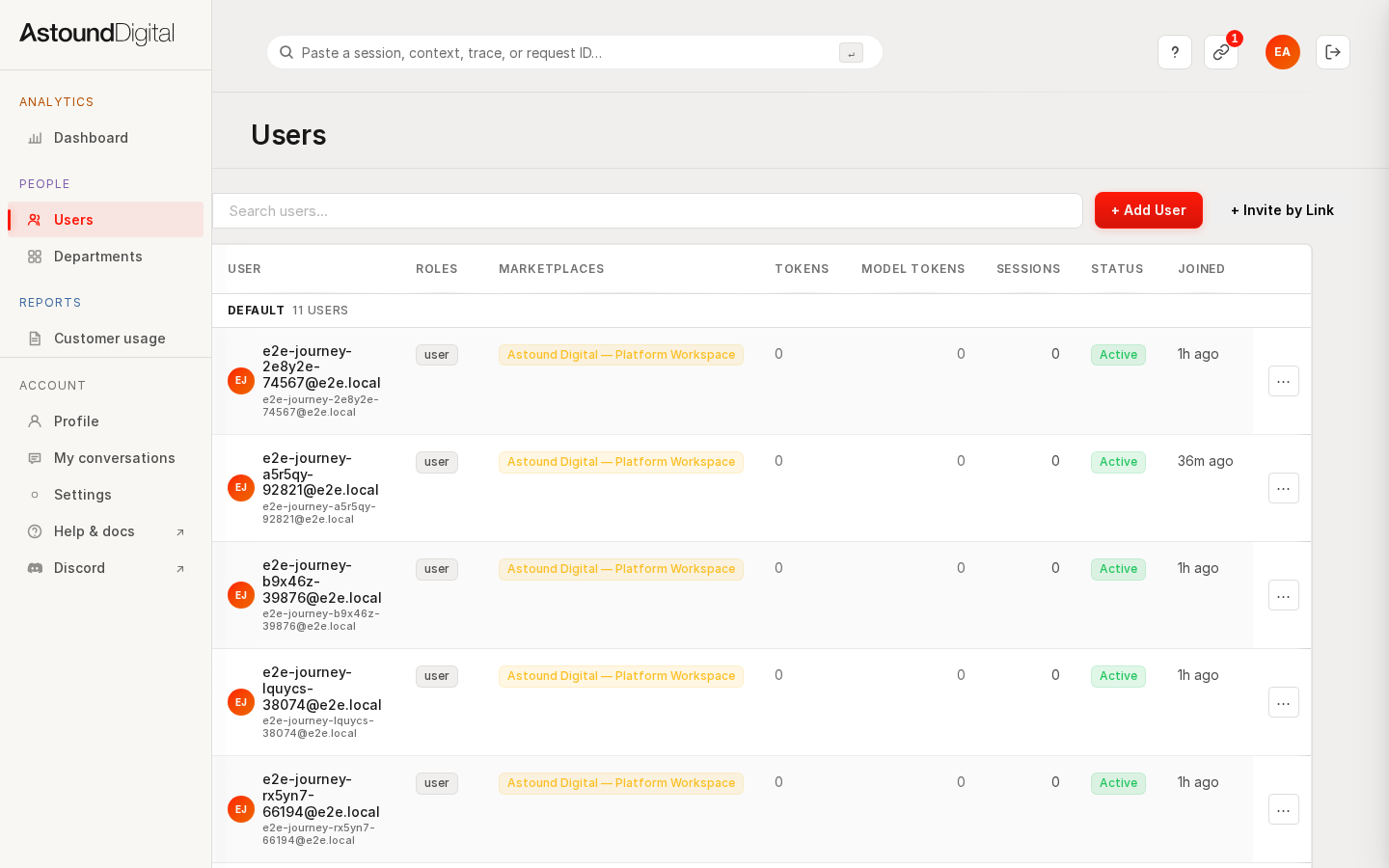 The user roster: search, roles, status, and last-active at a glance.
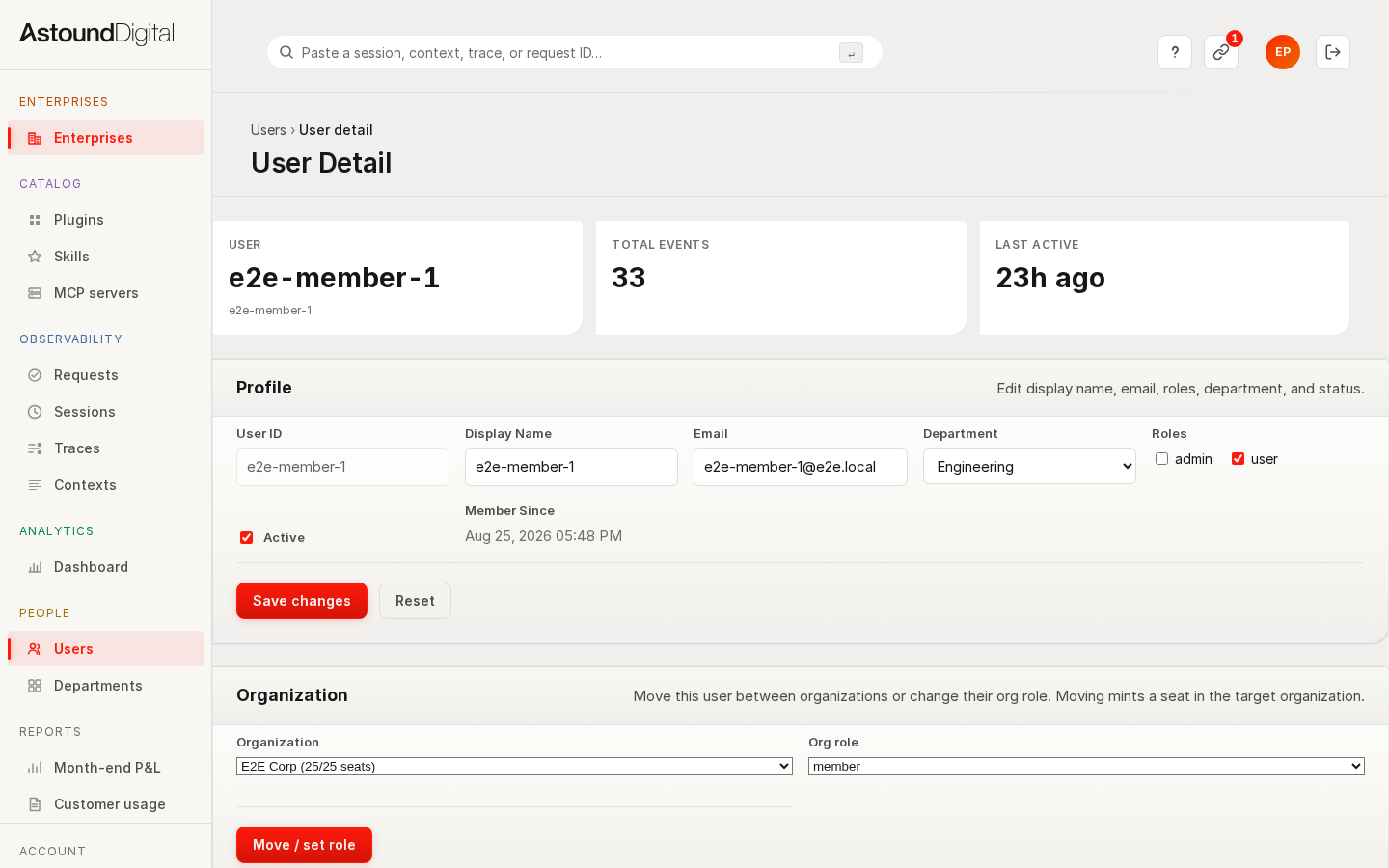 A user's detail page with role and project edit, disable, and session and PAT revocation.
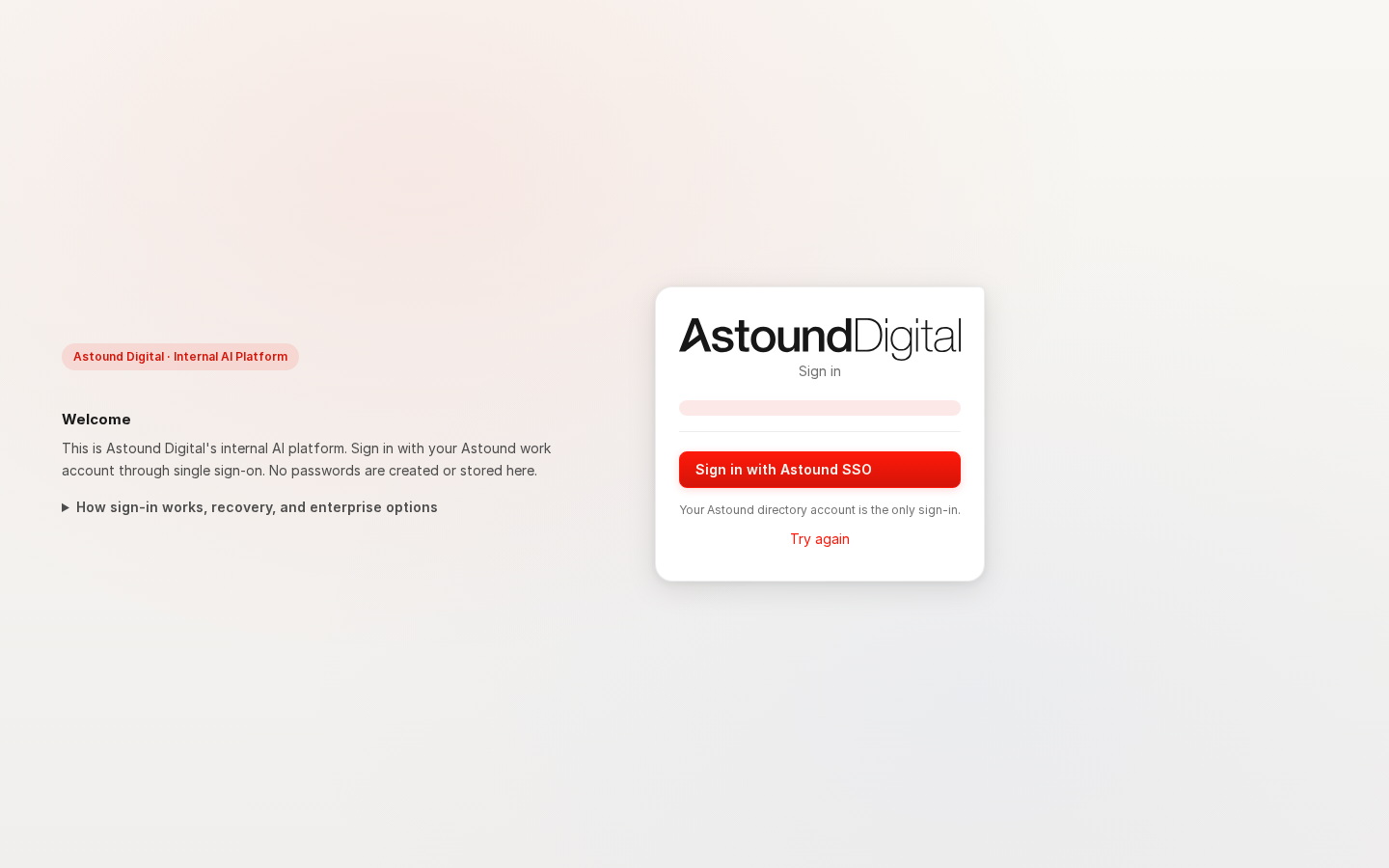 The login surface: one door. No password field, and with registration closed no self-service path in — an account exists only once an admin has created it.
Deeper gateway-level checks for these behaviours also run in the platform's integration suite (just test-integration).